Kariel

Save from any site without leaving it.

The Kariel Web Clipper sends what you find straight to your library. Choose the folder, add tags, and you’re back to browsing.

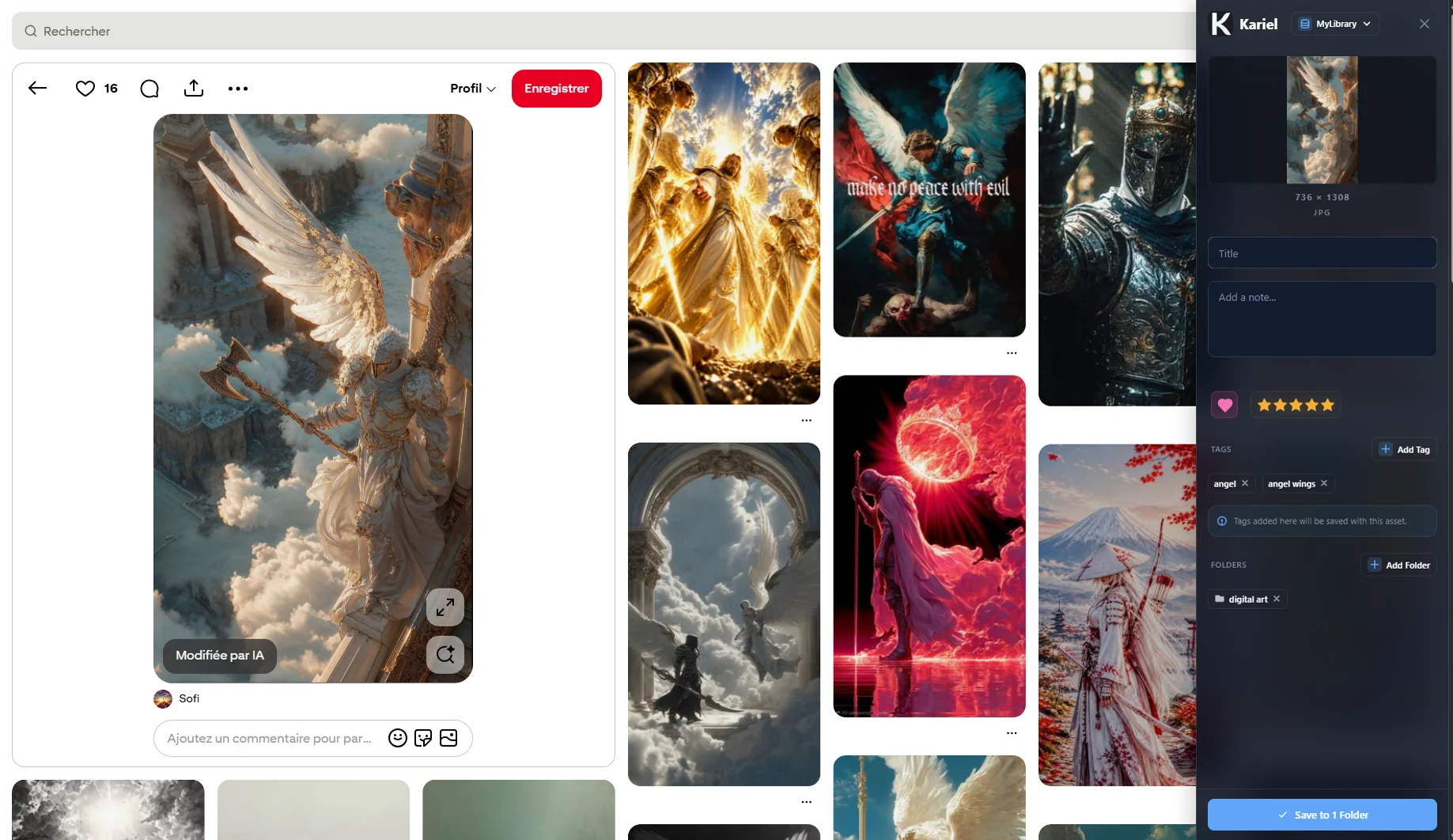
The Kariel Web Clipper on a web page

Free for Chrome, Edge and Firefox. Works with the Kariel desktop app.

See it, save it, and stay on the page.

The Web Clipper lives in your browser. Pick a folder, add a few tags, and whatever caught your eye is in your library before you’ve finished scrolling.

Anything on the page

Images, video, the page itself, a screenshot of part of it, or a recording.

Sorted on the way in

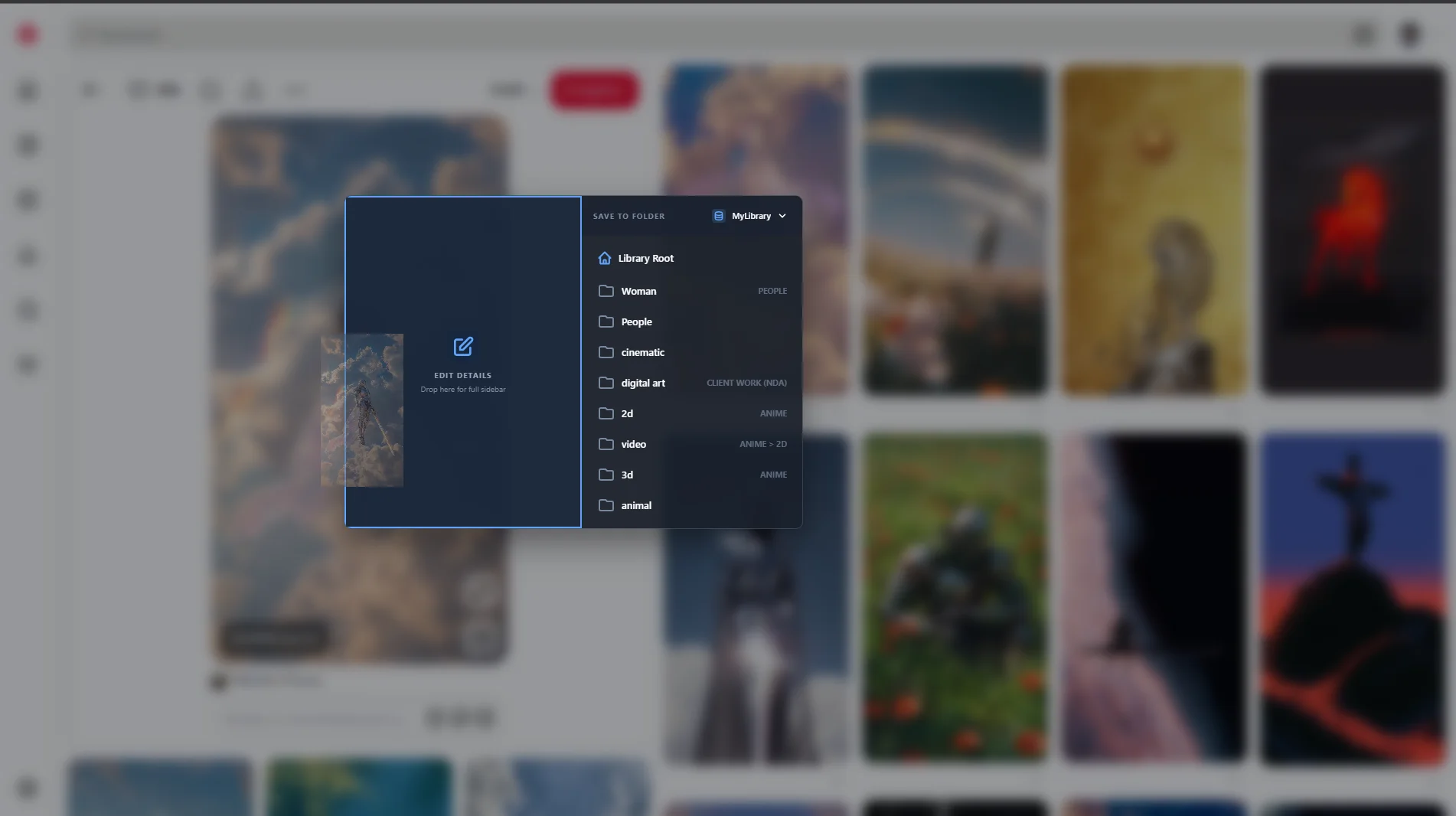
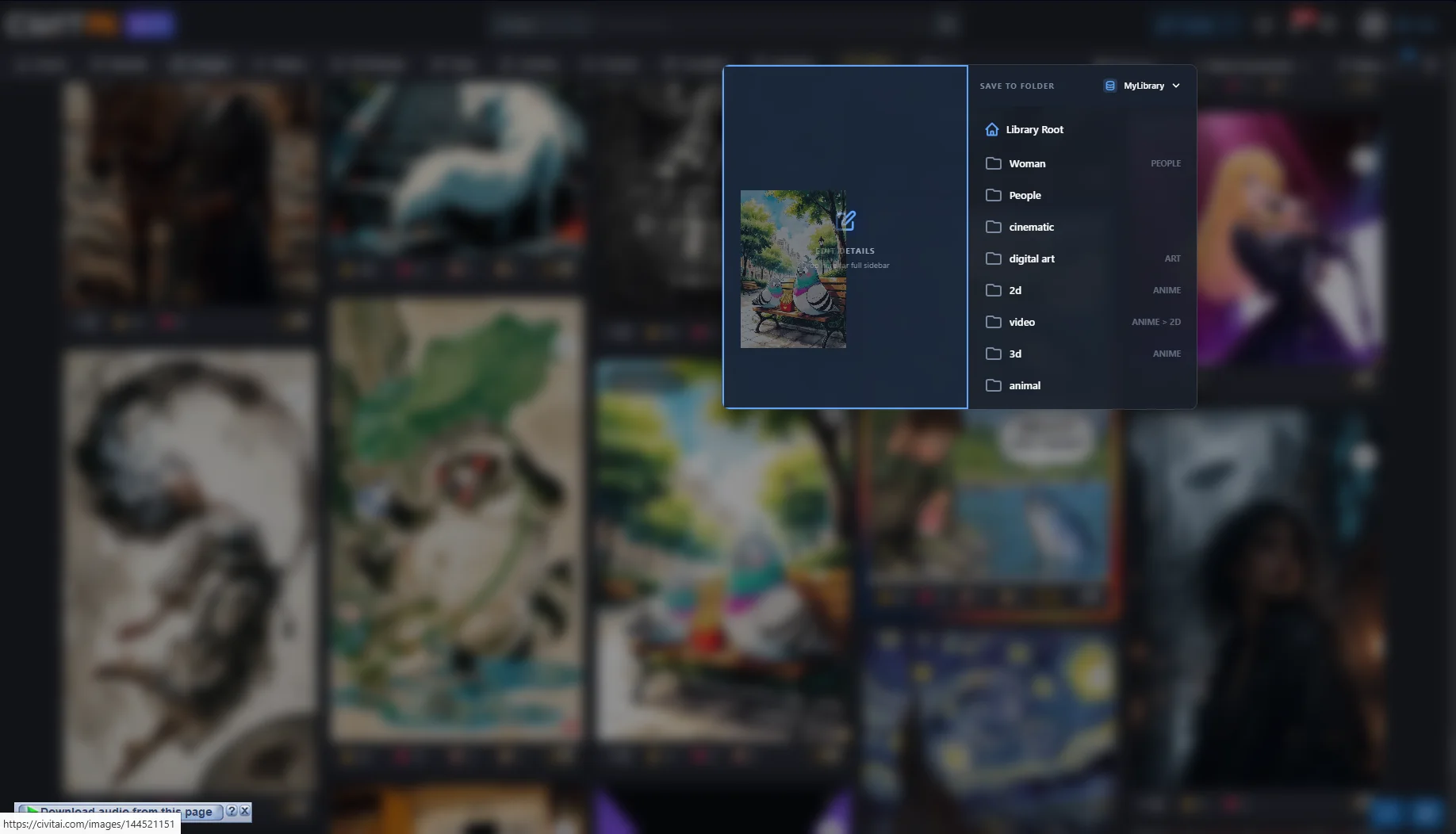
Choose the folder, tags and properties before you save, not after.

The source comes too

Every save keeps its link and the page’s own description.
More than a save button.

A few things the clipper does that a right-click never will.

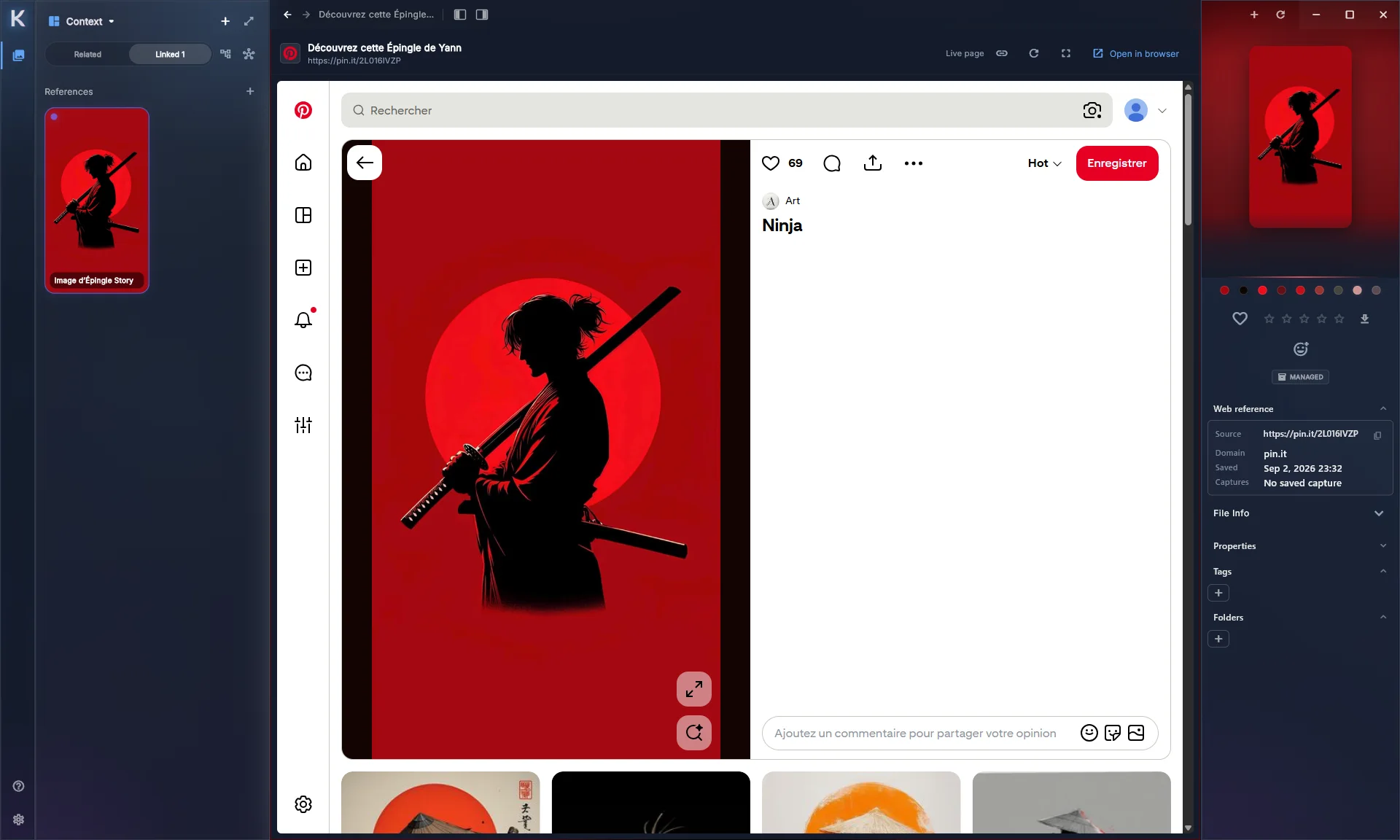
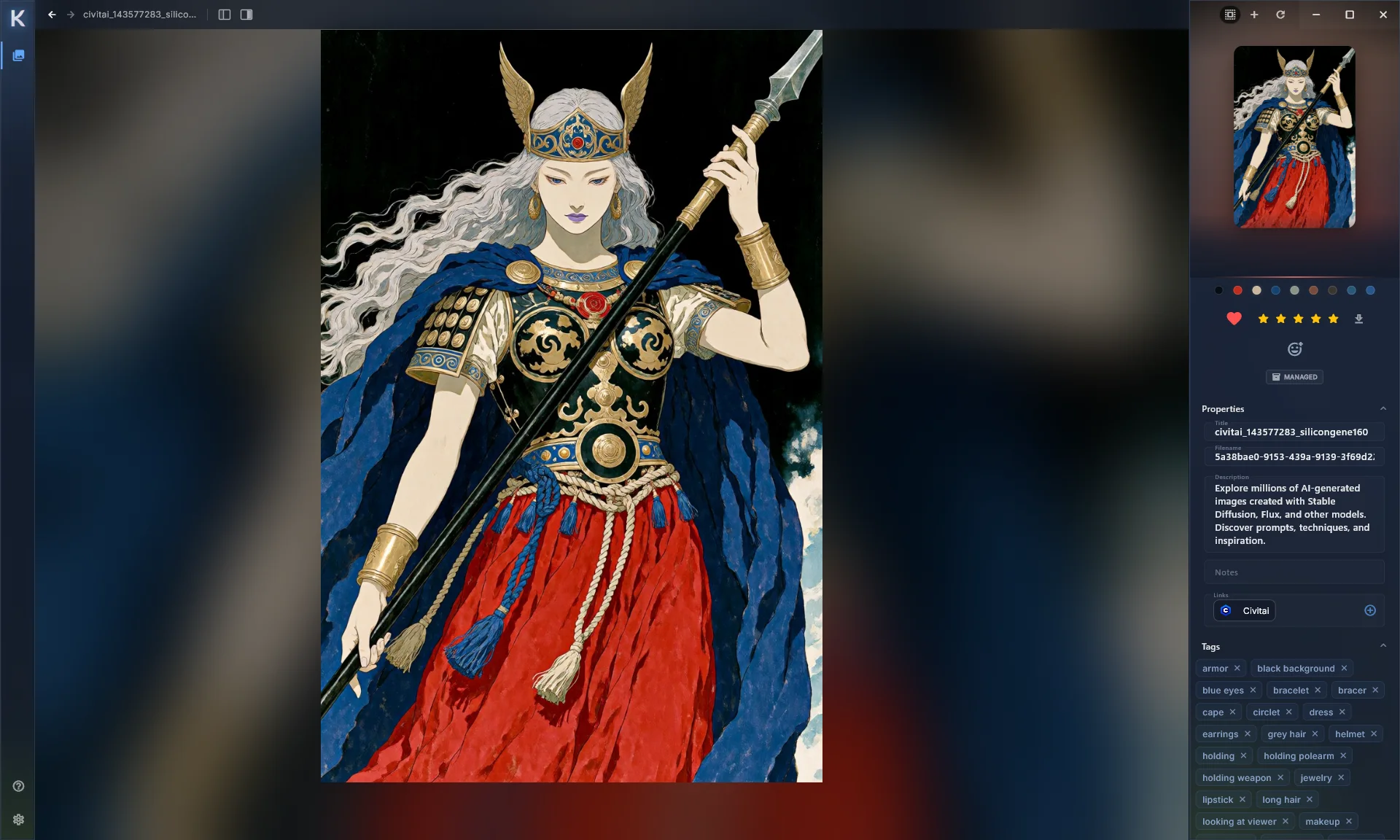
An asset with its source link, description and tags

Where it came from, a year later

Open any clip and the source link, description, colors and your own notes are right beside it.

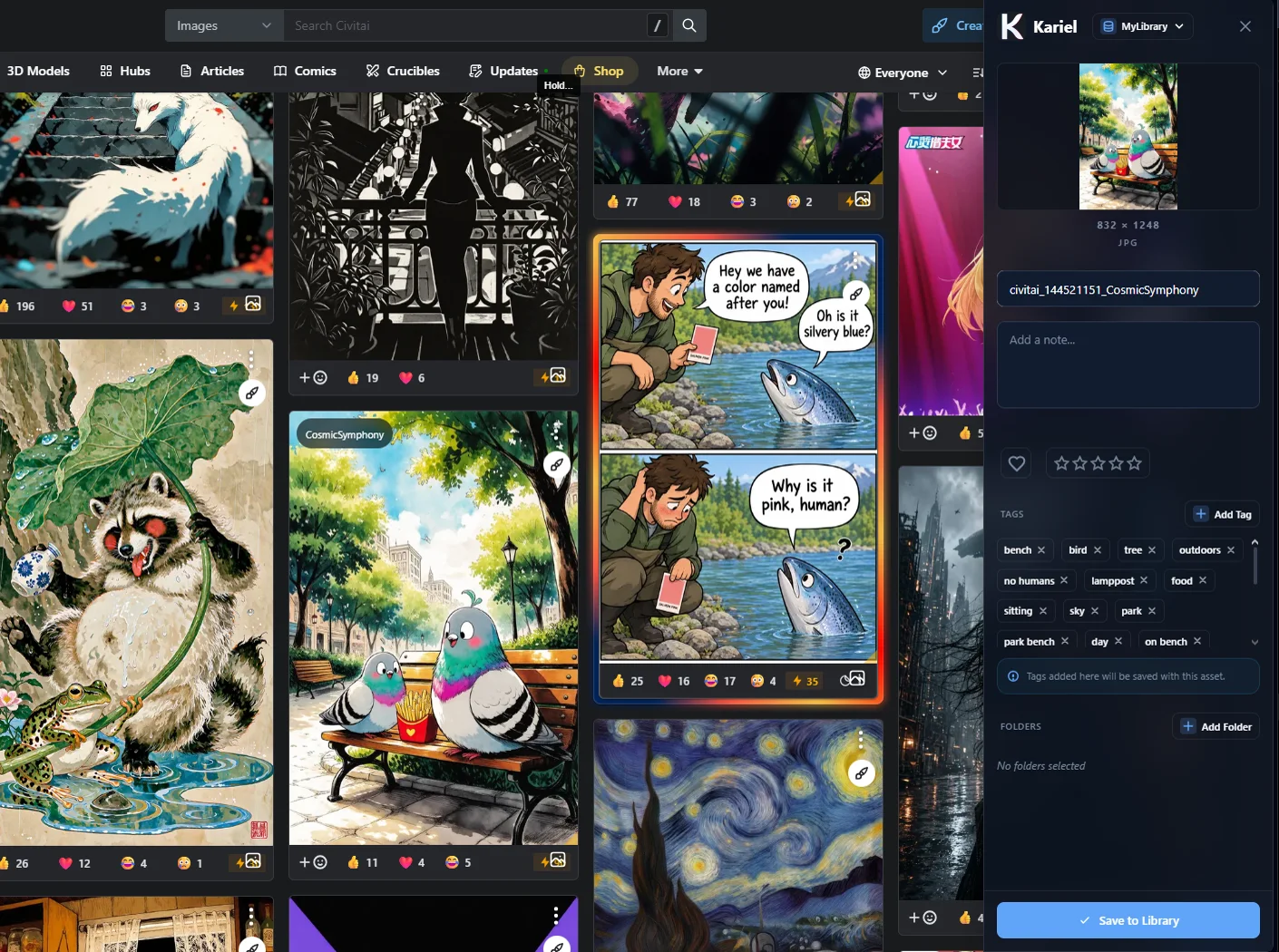
A save button added to each image on a gallery site

Buttons that fit the site

On sites you use a lot, Kariel adds a quick-save to every image, and brings the site’s tags along.

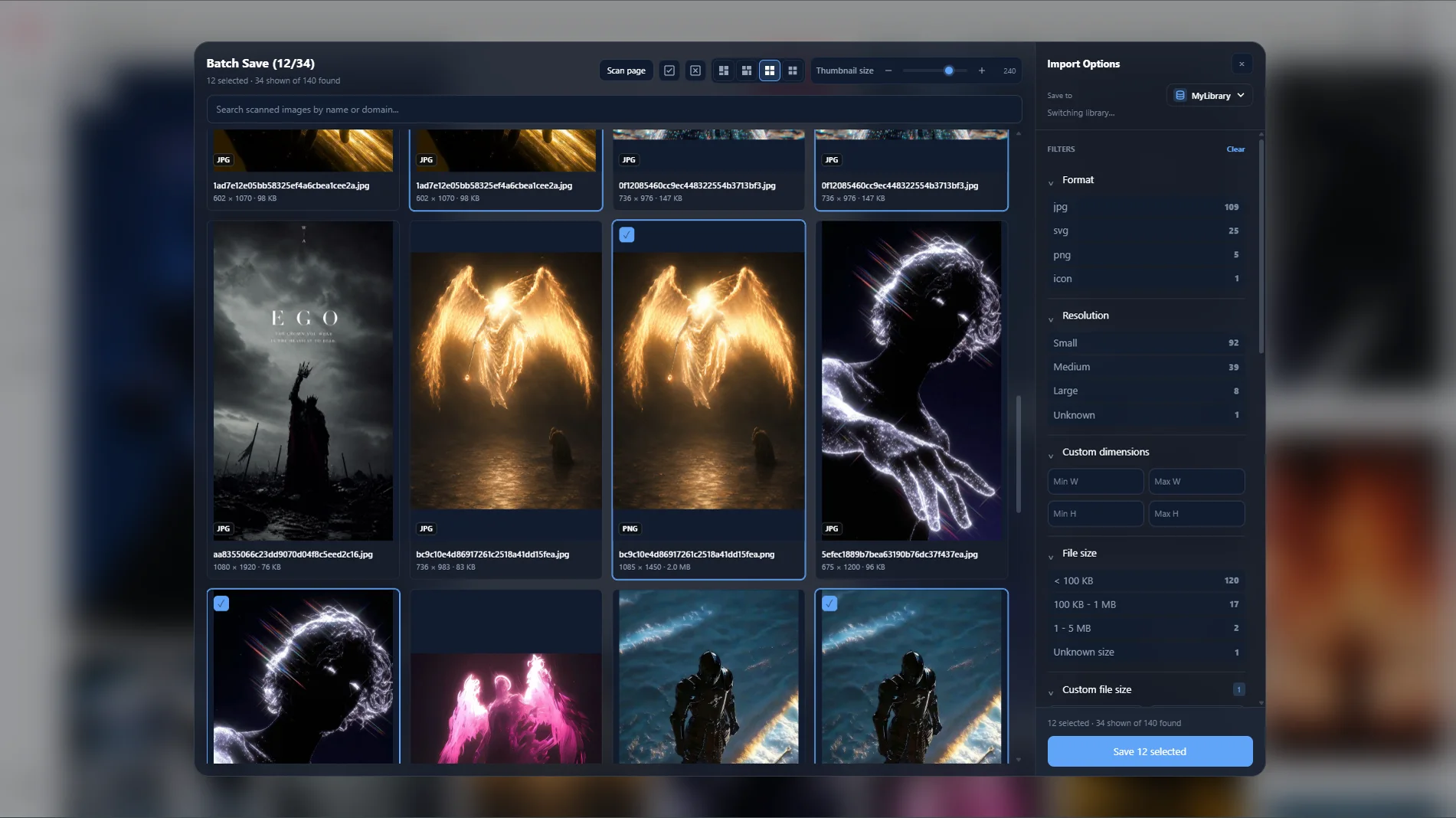
Choosing several images to save at once

A whole page at once

Pick the images worth keeping from a page and save them together.

Selecting part of a page to capture

Screenshots of any size

The visible page, the full page, or just the part you drag around.

A saved web page opened in Kariel

Pages worth keeping

Save the page itself and read it later inside Kariel, with a local copy kept alongside.

Make Kariel fit the sites you actually use.

Some sites deserve more than a generic save button. Kariel can add its own controls inside a website, like a quick-save on every image in a gallery.

The site’s own tags and details come along, mapped to the fields you chose. For the odd one out, a few lines of JavaScript do the rest.

Choosing a folder to save to

Good to know

Do I need the desktop app?

Yes. The Web Clipper is a companion to Kariel on your computer. It hands what you save to the app over a local connection, so the app needs to be installed.

Which browsers does it work in?

Chrome, Edge and Firefox. Other Chromium browsers, like Brave or Opera, can usually install the Chrome version.

Does it cost anything?

The clipper itself is free to install.

Where do my saves go?

Into your Kariel library on your own computer, in the folder you pick.

Add it to your browser.

Free to install. Works with the Kariel desktop app.